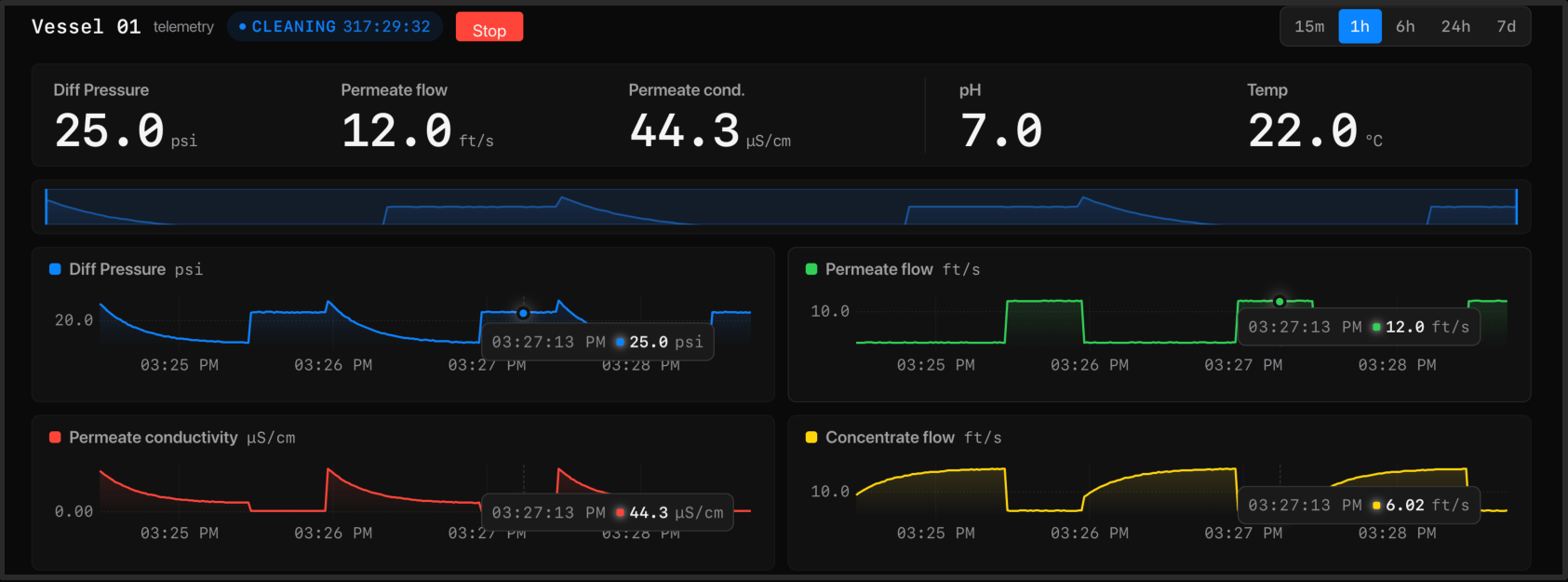
View live sensor readings, review historical trends and track conditions that need attention.
Manage equipment
Monitor terminal status and operate connected valves or control interfaces through the tools for your application.
Connect your data
Use the API to connect readings and device information to your database or business applications.
Manage secure access
Manage user roles and permissions, and review audit logs of system activity.
Back up and restore
Use the supplied backup and restore tools to protect your on-site data and recover when needed.
Need a workflow for your operation?
Custom Skills and integrations require a scoped development discussion. Custom Edge AI Skills can be developed on request for Indi Wi-Fi. Work with Modulink to define the workflow, inputs and acceptance criteria.
Customer API access is available for connecting readings and device information to business applications. Software is delivered as compiled binaries. The integration scope and applicable interface documentation are reviewed with engineering.
What should I bring to an integration discussion?
Identify the receiving system, the readings or device information it needs, and how frequently it needs updates. Include its interface documentation and access constraints.
What happens without an internet connection?
Core monitoring runs on the Basestation. Live weather and external services need internet access; terminal outages can leave gaps in readings. Define how your receiving system should handle missing or delayed information.
Who manages access and recovery?
User-role, audit-log and backup/restore tools are supplied. Identify the people responsible for site access, backups and recovery as part of installation planning.
Is there a production integration example?
The Falcon Water Technologies deployment includes a read-only ERP integration. Its scope is specific to that application; review your own data and workflow requirements with engineering.